
Capture information and leads in an agile way and integrated with your CRM
Ploomes' External Forms capture leads and demands via link or iframe and automatically send the data to the CRM. Create customized forms for websites and internal areas, with information structured in Ploomes.

+3000 companies use Ploomes to optimize their commercial management



Why Ploomes?
External forms that generate leads ready to sell
Automatic lead capture
The data filled in the forms automatically enters the CRM, eliminating manual typing and reducing errors.
Standardization and lead qualification
Ensure that all conversions arrive with the correct fields filled in, making it easier to segment, analyze, and prioritize demands.
More agility and conversion in the business process
With forms integrated with sales and service flows, opportunities and requests are created or updated automatically, reducing response time.
Key resources
Features and benefits of External Forms
Ideal for those who need to structure the entry of demands, generate leads on the site or organize internal requests from other departments:
External power supply
Of data
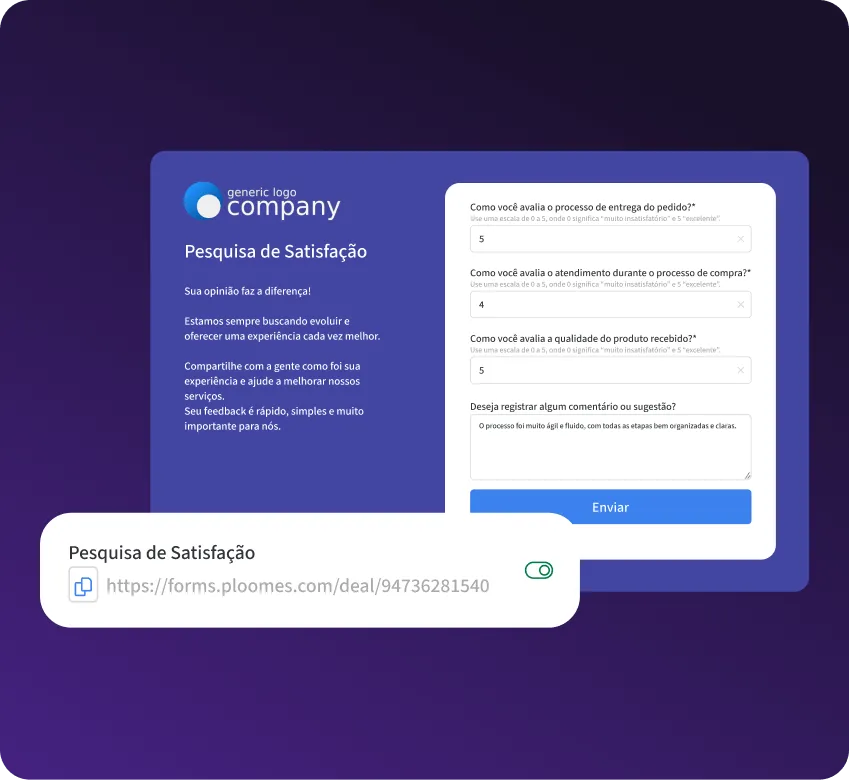
Allow people without access to Ploomes (customers, suppliers, or partners) to enter information directly into your system. Through a public URL, anyone can fill in the fields, ensuring that the data arrives ready for your team to work with.
Full Customization and Business Rules
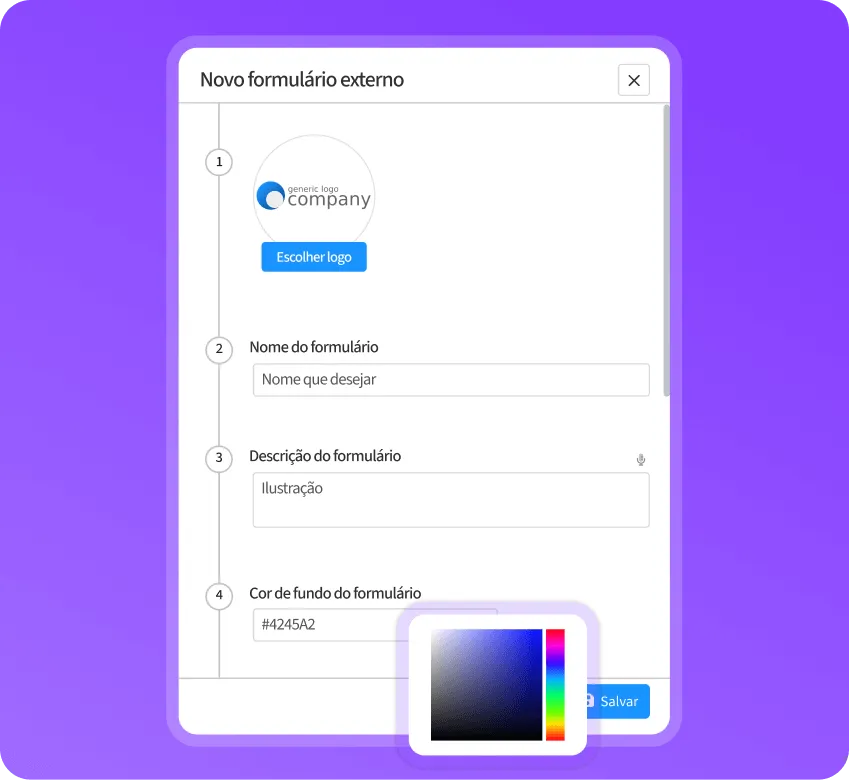
Create forms with the face of your company. Define name, description, colors, and images to maintain your visual identity. In addition, configure mandatory fields to ensure information quality and enable duplicate identification to keep your database clean.
Simple connectivity
And powerful
Advanced technical programming knowledge is not required to put your forms on the air.
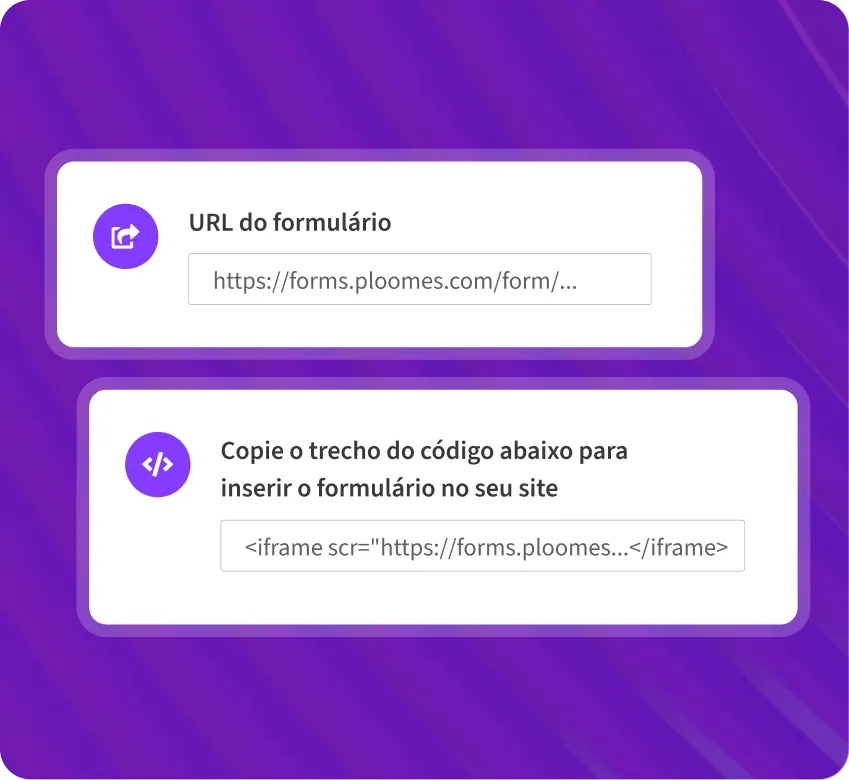
Direct Link: Share the form URL via WhatsApp, email, or social media.
Iframe: Copy and paste a simple code to display the form within your institutional website.
additional modules
Power up your Ploomes: the perfect entry for your automation
External Forms act as the “trigger” for the other Ploomes smart modules:



Real results
See what customers say about organizing with Ploomes
“Today, Ploomes is already part of our routine, so we can't imagine commercial activity without it.”

Intercarta

Real impact
Who are the for
External Forms?
Marketing Teams:
To capture leads on landing pages and send them directly to the CRM.
Service teams/CS:
To standardize the opening of tickets and issues by customers.
Administrative Departments (HR/Legal/Financial): To organize internal requests and eliminate email management.
services
Implementation and support
from Ploomes CRM

Consultative implementation
You know your processes, us, the technology. Together, we implement Ploomes with support and training. Our multidisciplinary team is our differential.

Recurrent support
Online chat to clarify questions and give assistance to users. For accounts that require greater proximity, we offer the possibility of contracting premium support with personalized service..

Custom projects
Team made up of business analysts, solution architects and developers, with the function of activating the potential of Ploomes in your company through the development of new integrations, applications and functionalities.
Frequently Asked Questions
It is a module for creating online forms integrated with CRM, accessible by link or embedded in the site via iframe. The data is structured in Ploomes and can initiate automations and processes.
No. Anyone with the link can fill in the information, without needing a login or license to use the system.
Yes. The module generates a code (iframe) that allows the form to be inserted into HTML pages, such as your institutional website or campaign landing pages.
Yes. You can configure duplicity identification to prevent the same lead or request from being created over and over again in your database.
Absolutely. You define which fields are visible, which are mandatory, and you can even add descriptions and images to guide filling in.
Yes. You can create forms to standardize internal requests and initiate workflows, reducing the exchange of emails.
Do you have other questions? Get in touch
Start capturing data
in an intelligent way
Transform dispersed requests into lead generation and organized processes with the External Forms module.